PlayStation Gift Card Code Not Working? Every Fix
Last reviewed:

On this page6
When a PlayStation gift card code is rejected, the cause is usually small: a mistyped digit, the wrong region, or the wrong account. Most problems can be fixed in a few minutes.
This guide follows Sony's own troubleshooting steps. Work through the checks in order, then use the error code table if you see a specific message.
Quick checks before anything else
Sony recommends checking these first:
- 1Count the digits. Every PlayStation voucher code has 12 digits. A 10-digit code is a discount code, and it can only be used when you make a purchase.
- 2Enter the code again, slowly. If the card has a scratch-off panel, scratch it gently with a coin and reveal every digit.
- 3Check the expiry date. Some codes have an expiry date listed on the voucher.
- 4Check the PlayStation status page. If the network is fine and the problem continues, sign out of PlayStation, then sign back in to refresh your account.
Check the region
Sony says voucher codes can only be redeemed in the same PlayStation Store region as your account. An account's region can't be changed, because it was selected when the account was set up. The region for each code is printed on the voucher.
A US card works on a US account, and a UK card works on a UK account. Not sure which you have? Read our region guide, or check your account's region using Sony's guide.
Check the code hasn't been used, and that you're on the right account
- A code works only once. Check your transaction history. If the code was redeemed, it appears in the transaction details.
- Check every account on your console. Sony suggests checking the transaction history of each account linked to your PlayStation consoles.
- You can't transfer funds or content between accounts. Make sure you're signed in to the account you want to top up before you redeem.
- Physical retail cards may need activation. Some voucher codes require activation at the time of purchase. If the front and back say "no value until activated at register", ask the retailer whether it was activated. Digital codes sent by email don't have this step.
Child accounts
Child accounts don't have a wallet, so a gift card should be redeemed on the family manager's account. For a voucher with an age rating above the child's age, Sony says the family manager can change the child's Age Filtering for Online Content setting to Don't restrict, let the child redeem the code, then set it back to Restrict. Sony notes this process is only available in a few countries, so check its page for yours.
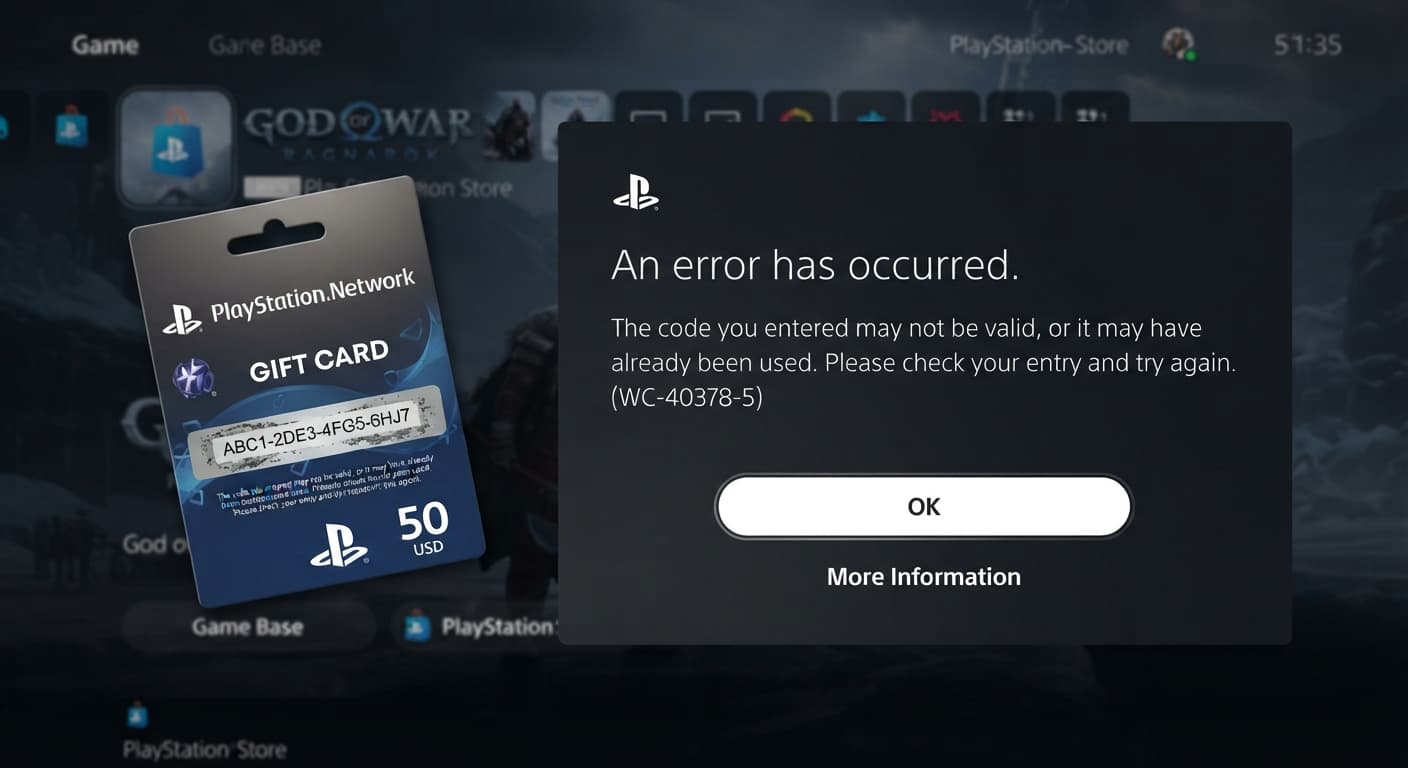
PlayStation error codes for voucher problems
| Error code | What Sony says it means | What to try |
|---|---|---|
| WC-40371-5 | The voucher code you entered isn't valid | Re-check the 12 digits, region, and expiry date |
| WC-40372-6 | The code is invalid or not available yet | Check the digits, then try again later |
| WC-40375-9 | The code is either not yet active or has expired | Check the expiry date on the voucher |
| WC-40377-1 | Failed to add funds to your wallet with a voucher | Check the status page, sign out and in, then retry |
| E-82000113 | Cannot redeem the voucher code | Check the region, the account, and whether it was already used |
| E-82000134 | Content isn't available in your account's country or region | Check that the card region matches your account region |
| WC-40355-7 | Issue adding funds to a child account | Redeem on the family manager's account instead |
Error names can change between system versions, so if your message is different, search the exact code on Sony's support site.
Still not working?
- 1Contact your seller quickly. If you bought from us, message us on WhatsApp within 48 hours of purchase with your order number and a screenshot of the error. Our refund and return policy explains what we cover.
- 2Contact PlayStation Support if the region matches, the code has not been used, and it still fails. For damaged physical vouchers, Sony may ask for proof of purchase and pictures of both sides of the voucher.
Need to redeem it step by step? Follow our guide to redeem a PlayStation gift card. Want to buy a card? See our PlayStation gift cards.
Buy a PlayStation Gift Card
Instant 1–15 min code delivery to Email & WhatsApp. No international credit card required.