How to Redeem a PlayStation Gift Card (PS5, PS4, Web, App)
Last reviewed:

On this page9
- What you need before you redeem
- How to redeem a PlayStation gift card on PS5
- How to redeem a PlayStation gift card on PS4
- How to redeem a PlayStation gift card on the PlayStation App
- How to redeem a PlayStation gift card on the web
- Where to see your balance after redeeming
- Check the region first (the step most people miss)
- PlayStation gift card code not working? Quick fixes
- Need a PlayStation gift card?
Got a PlayStation gift card and not sure where to put the code? Here is how to redeem a PlayStation gift card on PS5, PS4, the PlayStation App, or a web browser. Once the code is accepted, the money goes into your PlayStation wallet and you can spend it on games, add-ons, and subscriptions.
The whole thing takes about a minute. The one step that trips people up is the region check, so don't skip that section.
What you need before you redeem
- A PlayStation Network (PSN) account that you can sign in to
- Your 12-digit code (Sony says every PlayStation voucher code has 12 digits)
- A gift card whose region matches your PSN account region
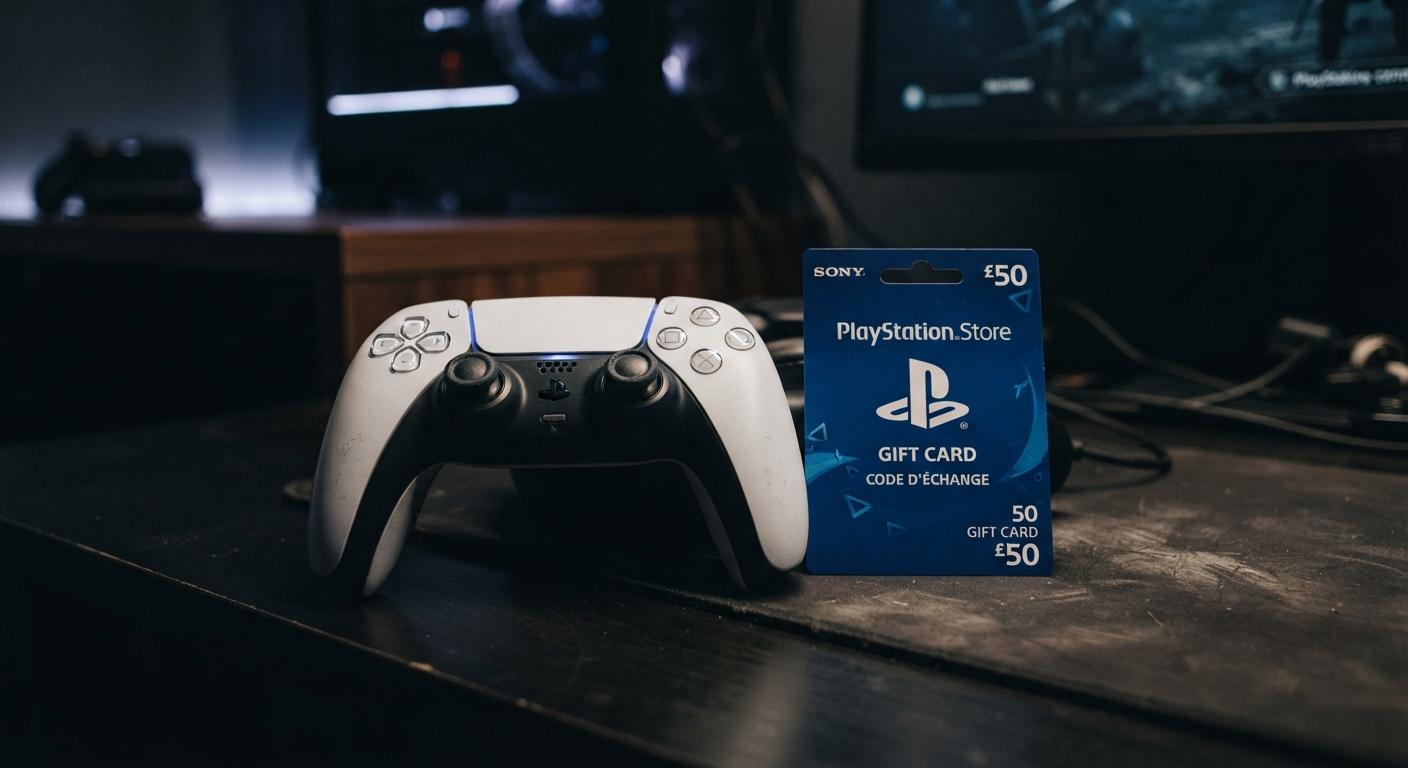
If your card has a scratch-off area, scratch it gently with a coin until all the digits are clear. A half-revealed digit is one of the most common reasons a code gets rejected.
How to redeem a PlayStation gift card on PS5
- 1Turn on your PS5 and sign in to your PSN account.
- 2Open the PlayStation Store.
- 3Select the More button (three dots) at the top right.
- 4Choose Redeem Code.
- 5Type in your 12-digit code and confirm.
You can also go through Settings > Users and Accounts > Account > Payment and Subscriptions > Redeem Codes. Menu names can change slightly after system updates, so if you can't find an option, look for "Redeem Code" nearby.
How to redeem a PlayStation gift card on PS4
- 1Sign in to your PSN account and open the PlayStation Store.
- 2Scroll to the bottom of the left-hand menu and select Redeem Codes.
- 3Enter your 12-digit code and select Continue.
- 4Confirm to add the funds to your wallet.
How to redeem a PlayStation gift card on the PlayStation App
- 1Open the PlayStation App and sign in.
- 2Tap the PlayStation Store icon at the bottom.
- 3Open the menu in the top right corner and tap Redeem Code.
- 4Enter your code and confirm.
This is handy if your console is not nearby, because the balance shows up in your wallet and you can buy games from your phone.
How to redeem a PlayStation gift card on the web
- 1Go to store.playstation.com and sign in.
- 2Click your profile picture at the top of the page.
- 3Choose Redeem Code from the drop-down menu.
- 4Enter your code to add the balance.
Need the official steps? Sony's guide is here: How to redeem a PlayStation Store voucher code.
Where to see your balance after redeeming
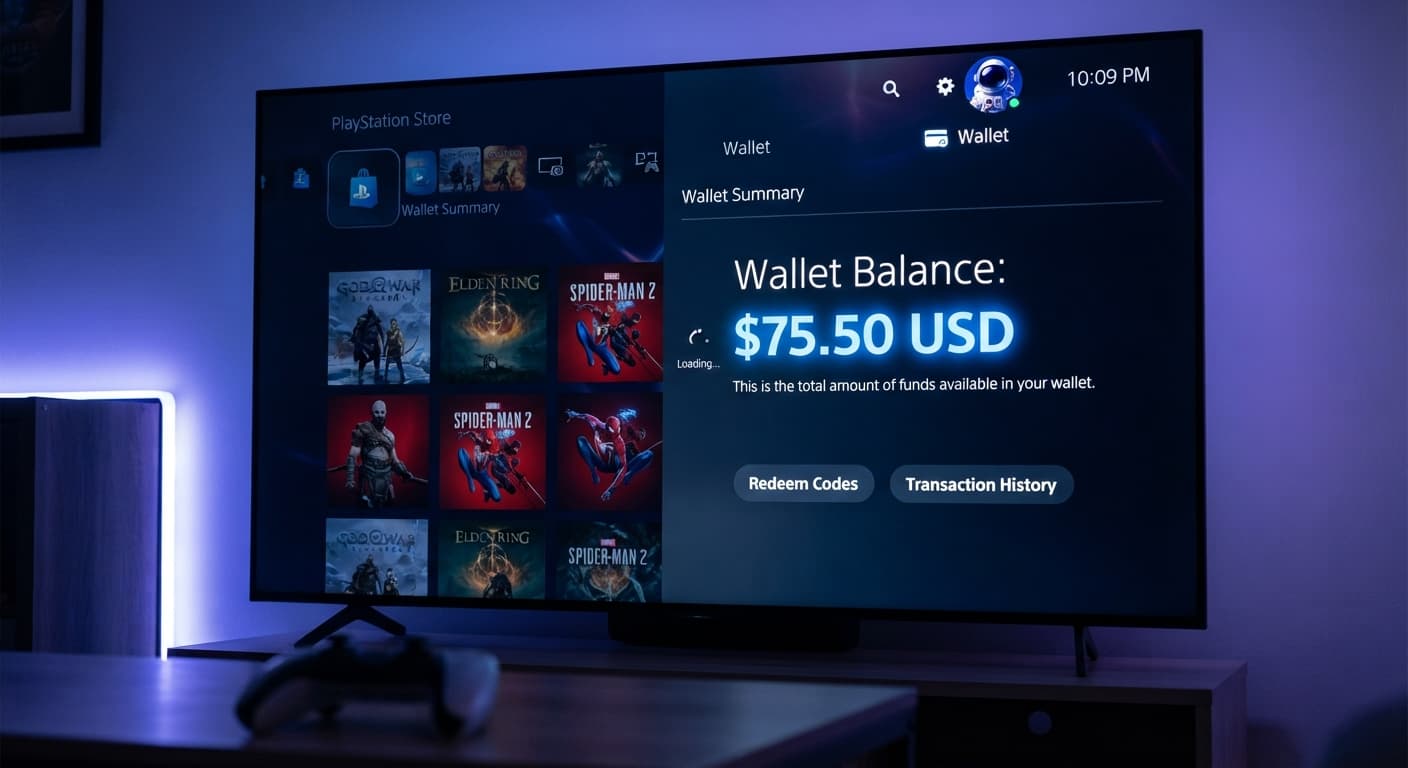
Once the code is accepted, the funds appear in your PlayStation wallet. You can check the wallet balance on your console or in the PlayStation Store before you buy anything.
Check the region first (the step most people miss)
A PlayStation gift card has a region, such as US, UK, or Turkey, and it needs to match the region of your PSN account. A US card works on a US account. It will not work on a UK account.
If you buy a gift card from a store in Bangladesh, confirm the card's region before you pay, and check which region your PSN account uses. This one check prevents most "wrong region" errors.
PlayStation gift card code not working? Quick fixes
| Problem | What to try |
|---|---|
| Code rejected as invalid | Re-enter slowly and check all 12 digits. Make sure the scratch-off area is fully revealed |
| "Wrong region" message | Your card region does not match your account region. Check both before trying again |
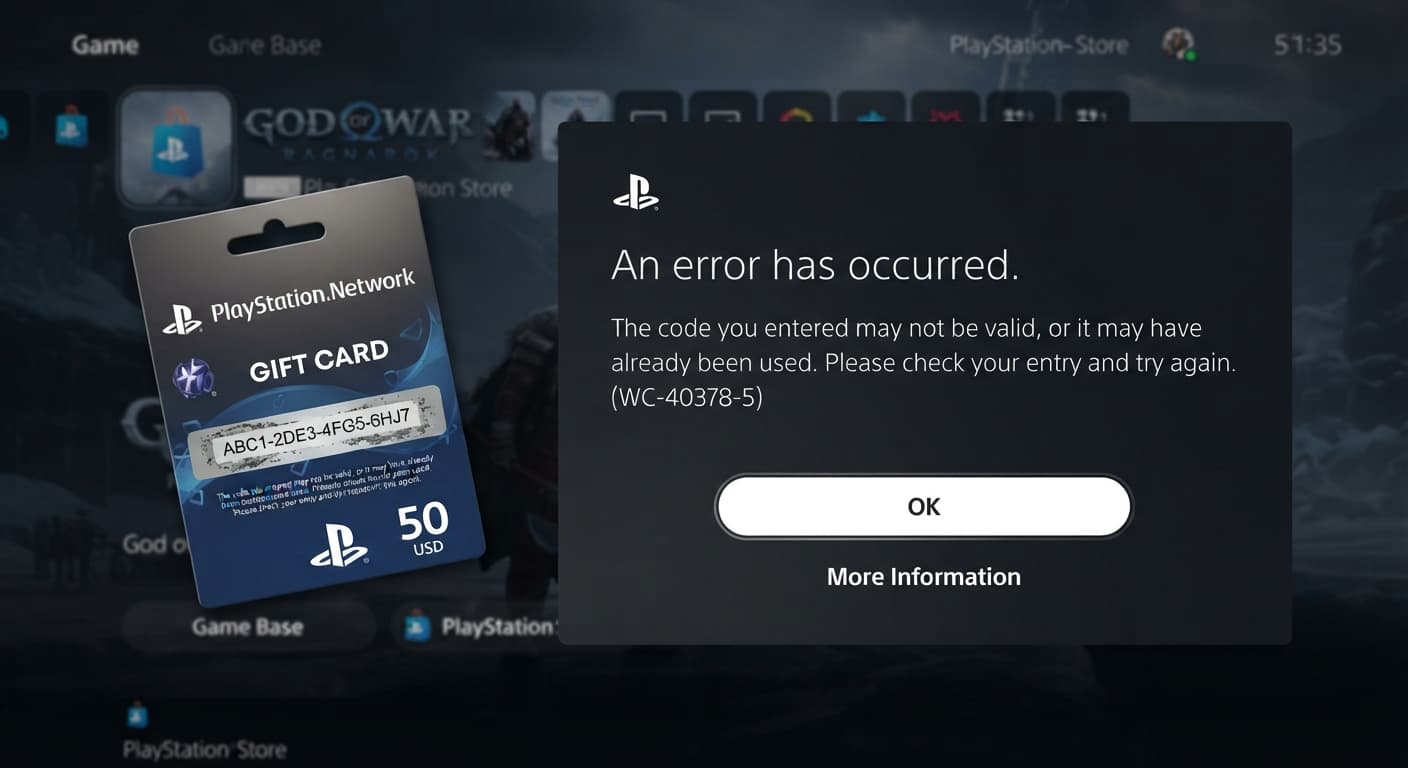
| Code already used | Each code works once. If you did not redeem it, contact the seller who sold it to you |
| Funds not showing | Close and reopen the PlayStation Store, then check your wallet again |
Still stuck? Sony lists more fixes here: Problems using voucher codes on PlayStation Store.
Need a PlayStation gift card?
Browse our PlayStation gift cards and pick the amount and region that fits your account.
Buy a PlayStation Gift Card
Instant 1–15 min code delivery to Email & WhatsApp. No international credit card required.