How to Check Your PlayStation Gift Card Balance
Last reviewed:

On this page6
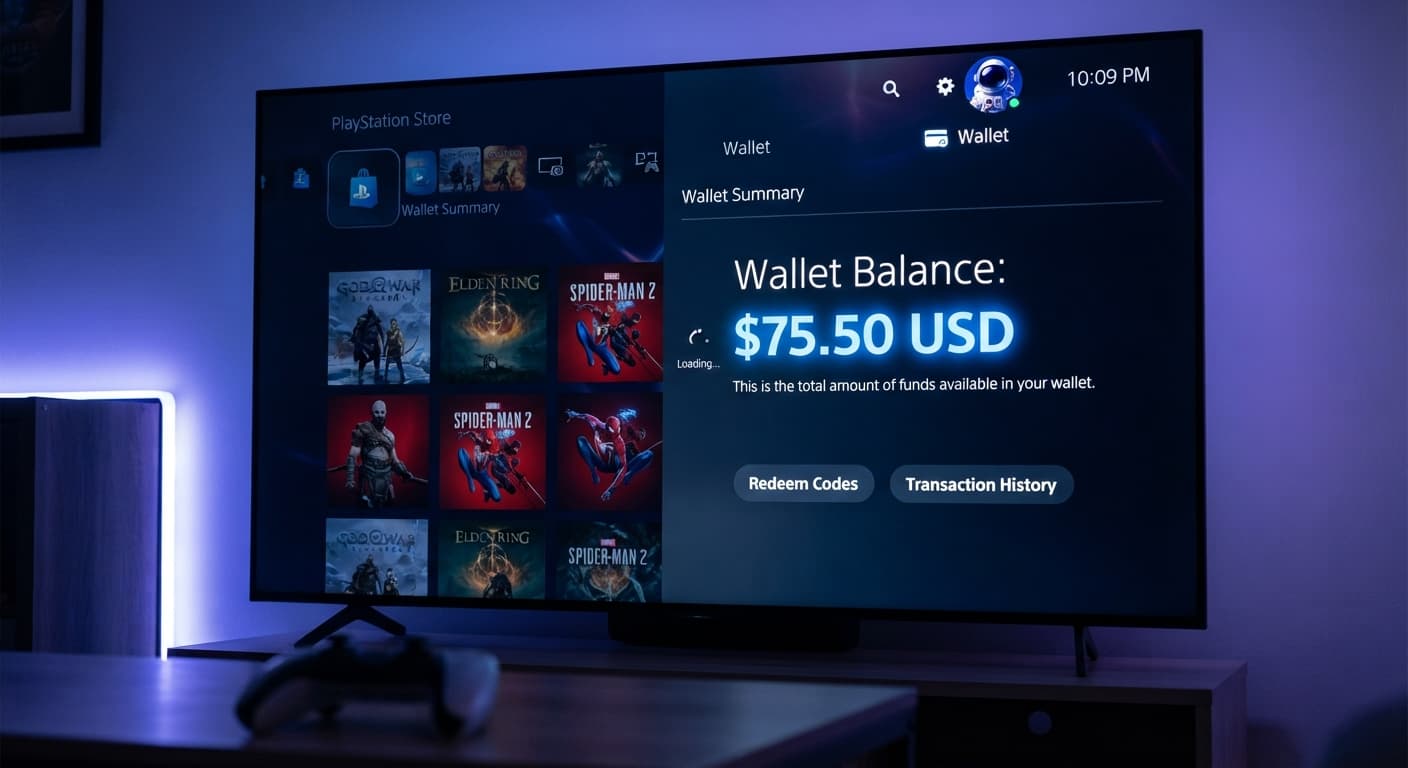
You can't see the value of a PlayStation gift card until you redeem it. Once you enter the code, the amount is added to your PlayStation wallet, and the wallet is where you check your balance from then on.
This guide shows where to find your wallet balance, what to do if you can't tell how much is on a card, and what to try if the balance doesn't show up.
Can you check a gift card balance before redeeming it?
We couldn't find an official Sony tool that shows the value of a voucher code before you redeem it. Sony's support pages describe a code as something you redeem to add funds, and the amount then appears in your wallet.
If you bought the card from us, your order confirmation shows which card and amount you bought. Be careful with any website that asks you to type in your code to "check the balance". Anyone who has your code can redeem it.
How to check your wallet balance on PS4
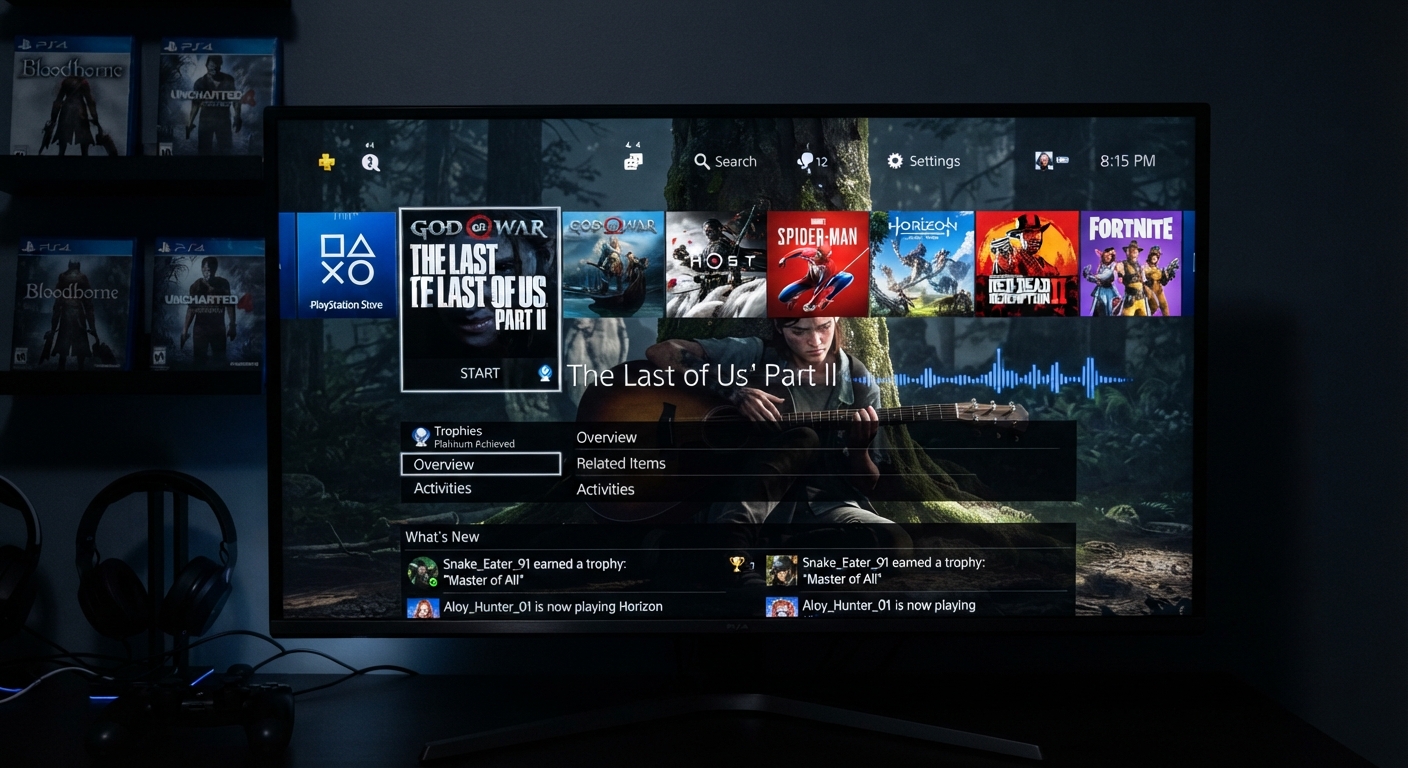
- 1Go to Settings > Account Management > Account Information.
- 2Select Wallet and sign in with your account if asked.
- 3Your wallet balance is shown at the top right of the screen.
How to check your wallet balance on PS5
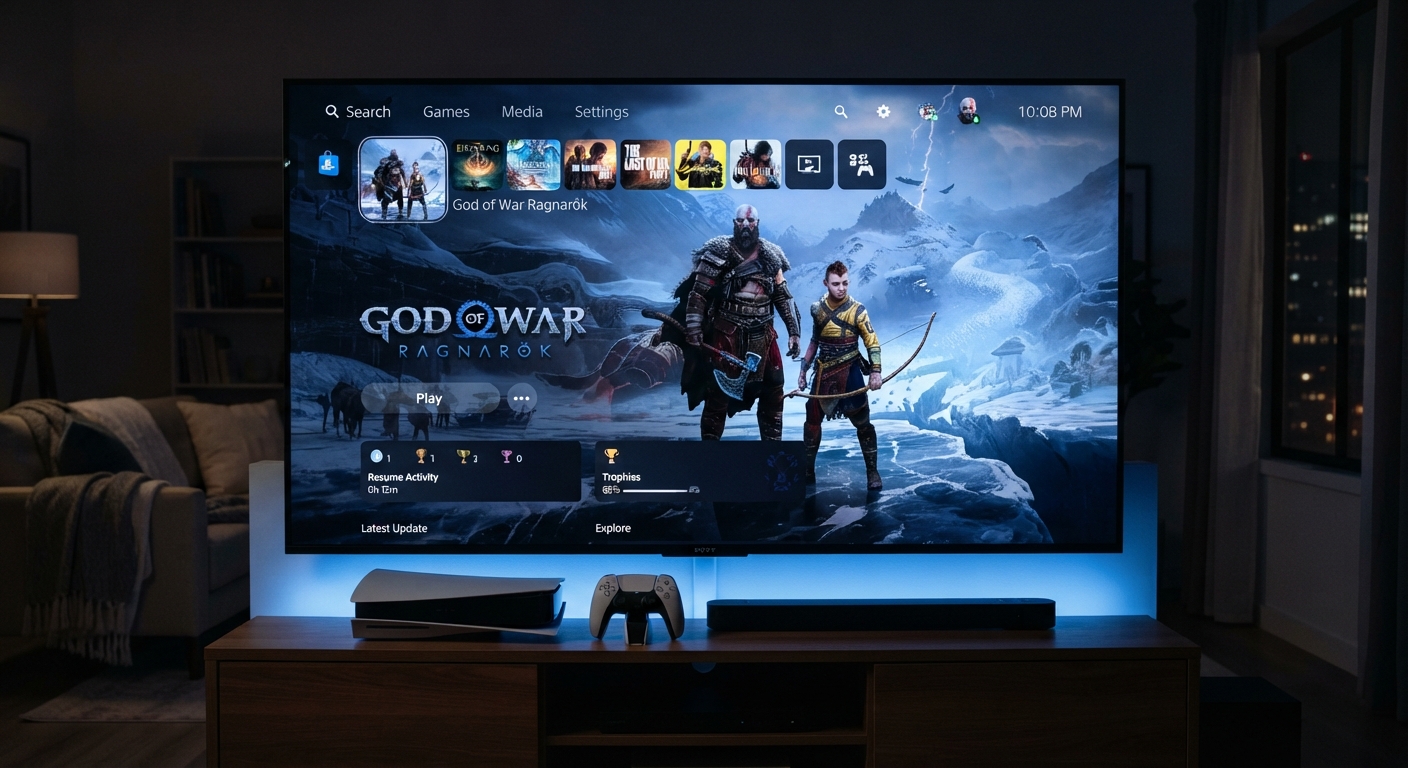
- 1Go to Settings > Users and Accounts > Account > Payment and Subscriptions.
- 2Select Wallet.
- 3Your balance is shown on the screen.
Menu names can shift slightly after a system update. If you can't find "Wallet", look for it under your account or payment settings.
How your wallet balance is spent
Sony's wallet rules are worth knowing before you buy anything:
- Wallet funds are used first. If the balance doesn't cover the full price, the rest can be paid with another payment method.
- Subscriptions may still need a payment method. Sony says that if you buy a subscription with wallet funds, you may still be asked to add one.
- Funds can't be refunded. Sony says funds added to your wallet can't be refunded, so add or redeem only what you plan to use. Our price guide helps you pick an amount.
Balance not showing after you redeem a code?
Work through these in order:
- 1Check you are signed in to the right account. Sony says funds can't be moved between accounts, so a code redeemed on another account won't show here.
- 2Check the transaction history of each account on your console. A redeemed code appears in the transaction details.
- 3Sign out of PlayStation and sign back in to refresh your account.
- 4Check the PlayStation status page. If the network has problems, wallet changes can be delayed.
- 5Check the region. A code only works on an account in the same region. See our region guide.
Still stuck? Read PlayStation gift card code not working? Every fix.
One wallet per account
Each adult account has its own wallet. Child accounts don't have a wallet. They spend from the family manager's wallet, within a monthly spending limit that starts at 0.
New to gift cards? See how to redeem a PlayStation gift card, or browse our PlayStation gift cards.
Buy a PlayStation Gift Card
Instant 1–15 min code delivery to Email & WhatsApp. No international credit card required.