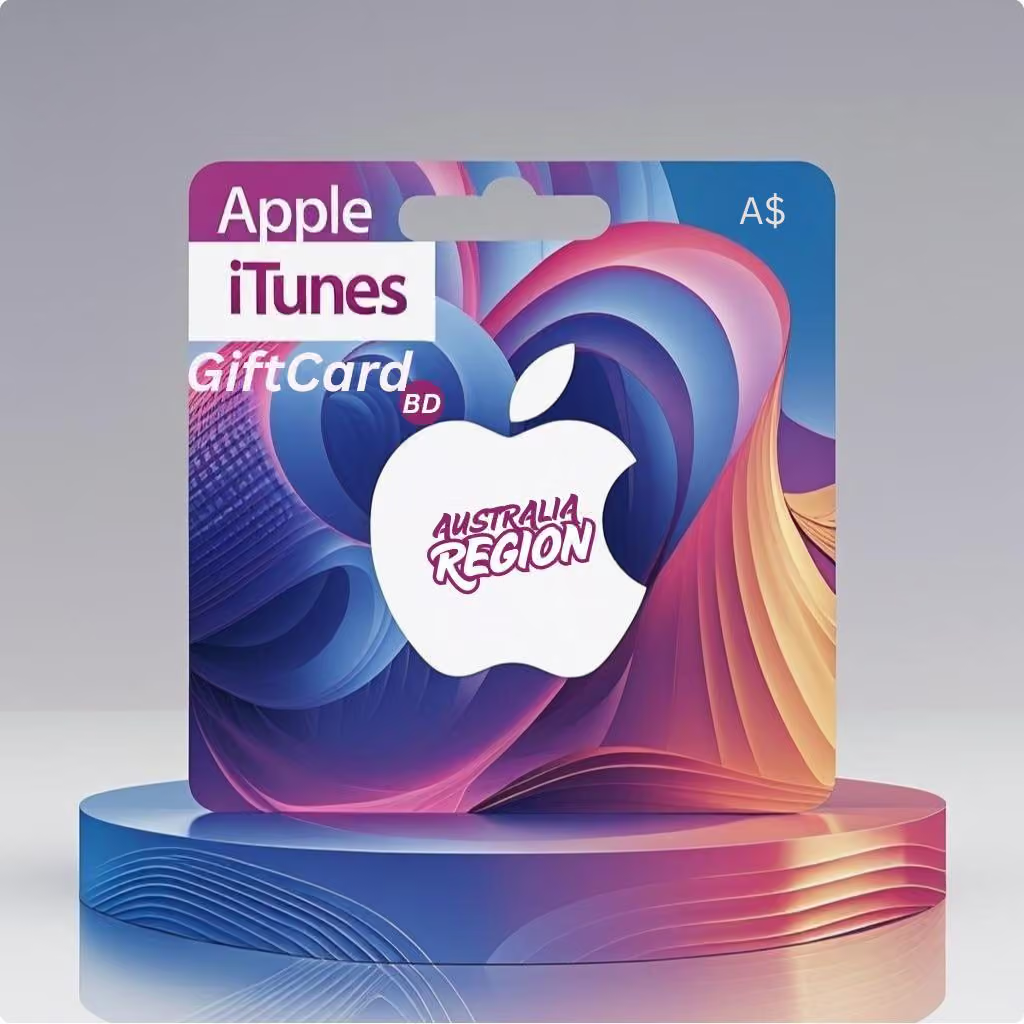
Buy iTunes 50 USD Gift Card for Canada - Instant Digital Delivery
Canada flagCanada

Buy 50 USD Canada Apple iTunes Gift Card

  • Official & Authentic
  • Instant Email Delivery
  • Valid in Canada region
  • Works for in-app purchases & games
Total:৳7,000

Instant Delivery (1–2 mins)

Delivered directly to your email

We accept local MFS

bKashNagadRocket

100% Secure

Official Cards

Refund Policy

Product Details

About Canada Apple & iTunes Gift Card (50 USD)

About This Gift Card Purchase an iTunes Gift Card for Canada with a value of C$5. This digital gift card can be redeemed on the Apple App Store, iTunes Store, and for Apple Music subscriptions in the Canada region. Perfect for buying apps, games, music, movies, TV shows, books, and more from Apple's digital stores. The card code will be delivered instantly to your email after purchase. How to Use Receive your code via email within minutes Open the App Store or iTunes Store on your device Tap your profile icon and select "Redeem Gift Card or Code" Enter your code manually or use your camera to scan Start enjoying your Apple content immediately! Important Notes Valid only for Canada Apple ID accounts Cannot be redeemed for cash or used in other regions Keep your code safe - treat it like cash One-time use only - balance added to your Apple ID How to Redeem Your Apple iTunes Gift Card? There are several ways for you to redeem your Apple iTunes Card. Here are three popular methods: For Apple Mobile Devices Open the App Store on your device. Look for 'Today' at the bottom of your screen and tap it. At the top of your screen, tap on your profile icon or sign-in button. Tap 'Redeem Gift Card or Code' and enter the 16-digit code that starts with X. Tap 'Done'. For Macs Open the App Store. Click your name or the sign-in button located at the sidebar. Click 'Redeem Gift Card' and input the 16-digit code that starts with X. For Windows PC Go to the iTunes Store. Look at the menu bar and select 'Account'. Click on 'Redeem', sign in, and follow the instructions given.

How to Redeem Your Apple Gift Card

Redeem on iPhone, iPad, or Mac to add credit to your Apple Account balance:

On iPhone & iPad

  1. 1Open the App Store app on your device.
  2. 2Tap your photo/profile icon at the top of the screen.
  3. 3Tap 'Redeem Gift Card or Code' and enter your 16-digit code.

On Mac

  1. 1Open the App Store on your Mac.
  2. 2Click your name or the sign-in button at the bottom of the sidebar.
  3. 3Click 'Redeem Gift Card' and enter the 16-digit code.

Having trouble redeeming your code? Our support team is active on WhatsApp to guide you step-by-step.

WhatsApp Support

Customer Reviews

View all reviews →
Verified Customer Feedback

What Our Customers Say

Read authentic feedback from gamers who recharge PlayStation, Steam, Apple, Xbox & Roblox codes with bKash & Nagad.

Google Review

"Your service is very good 👍🤝"

A
Alif 69

📍 Local Guide Level 2

Google Review

"💯 % trusted tnx psn🖤"

R
RK RAMIL GAMING

📍 Local Guide Level 1

Google Review

"Satisfied Customer"

O
OddlyIdentified

📍 Local Guide Level 1

More from Canada

View all Canada cards